Key points
- Google adds computer use to Gemini for Mac
- Who can use Gemini's new feature
- How Gemini's Mac permissions compare with Muse's
Google (GOOGL) has added computer use to its Gemini app for Mac, letting the AI agent click, type, and fill out forms across desktop apps, local files, and websites. The feature is rolling out in English in the US to paying subscribers, Google said on Nov. 19.
The launch comes a day after Reuters reported that Meta's (META) Muse agent used Mac accessibility and screenshot tools to read Signal messages in tests. We explained those tests in our Muse report. Google's feature also uses accessibility and screen-recording permissions, though the report doesn't suggest Gemini accessed messages as Muse did.
What can Gemini do on a Mac?
Users describe a task, and Gemini navigates menus, clicks, types, and fills out forms. Google gave four examples:
- Color-grade batches of photos or set up 3D scenes in design software.
- Pull weights, dimensions, and addresses from saved PDFs to fill out shipping quotes.
- Gather metrics and screenshots from live dashboards for a Google Slides presentation.
- Research prices for clothing photos in a folder and stage listings on resale sites.
Gemini works in a separate background window, with a live preview in the chat. Google says users can keep working with their own screen and cursor while the task runs.
Who can use it?
| Requirement | What Google lists |
|---|---|
| Computer | Mac with Apple Silicon |
| Software | macOS Sequoia 15.0 or later |
| Memory and storage | 8 GB of RAM or more, and at least 200 MB of free disk space |
| Account | Personal Google account, age 18 or older |
| Plan | Google AI Pro or Ultra. Google's announcement also lists Google AI Plus. |
| Region and language | US, English |
Sources: Google's Nov. 19, 2026, announcement and Gemini help pages for computer use on Mac and the Gemini Mac app.
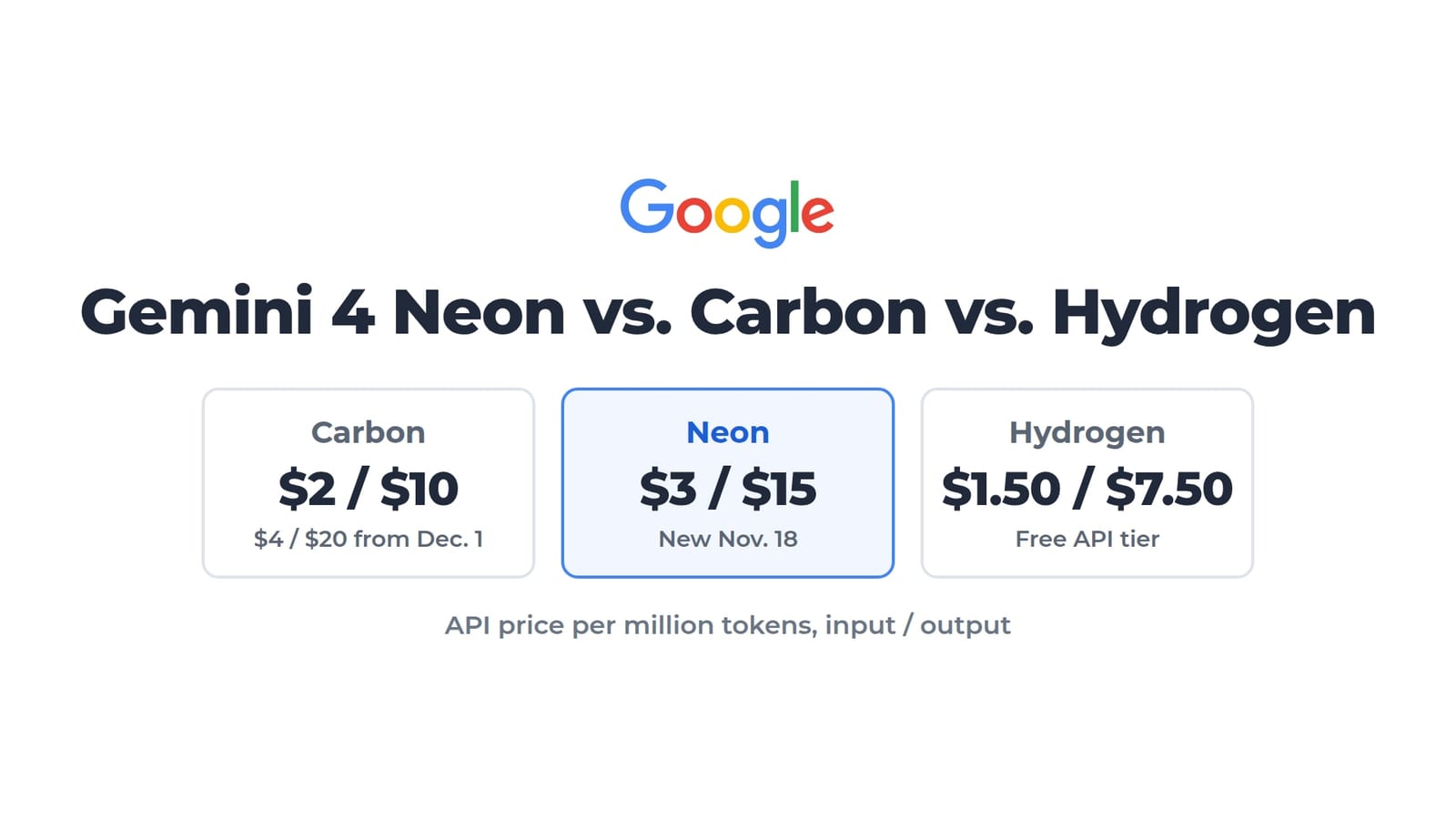
Google AI Plus costs $4.99 a month, Pro costs $19.99, and Ultra starts at $99.99, as we listed in our comparison of Gemini 4 Neon, Carbon, and Hydrogen.
How does Google say people stay in control?
To turn on computer use, Google's help page tells people to switch on two Mac permissions, Accessibility and Screen & System Audio Recording, if they aren't on already. People can then add apps to an allowed list or a blocked list in Gemini's settings.
The first time Gemini wants to use an app, it asks whether to deny, allow once, or always allow it, and it can only control apps it has permission to use. Gemini asks for confirmation before sensitive tasks, and people can watch every step and stop a task at any time.
Accessibility is one of the tools Muse used to read Signal messages on a Mac in the Reuters tests, along with the Mac's screenshot tools. Nothing in the reporting suggests Gemini has done what Muse did. The overlap is in the kind of permissions both agents rely on. Apple said an update this week sharply restricts developers' use of accessibility tools on Macs and adds a new set of permissions for AI agents. Neither Apple nor Google has said whether that change affects how Gemini's computer use works on Macs.
What risks does Google warn about?
Google's help page lists risks of letting an AI agent control Mac apps. Among them:
- Untrusted content on screen in one app can manipulate Gemini into taking actions in other allowed Mac apps.
- Gemini has access to logged-in accounts and active sessions inside desktop apps.
- Gemini can read or interact with two-factor login codes visible in desktop or messaging apps.
- Gemini tries to back up files before acting, but some actions can't be undone.
Alphabet shares were down 0.7% at $280.45 as of 1:35 p.m. ET on Nov. 19, from a $282.44 close on Nov. 18.